On this page
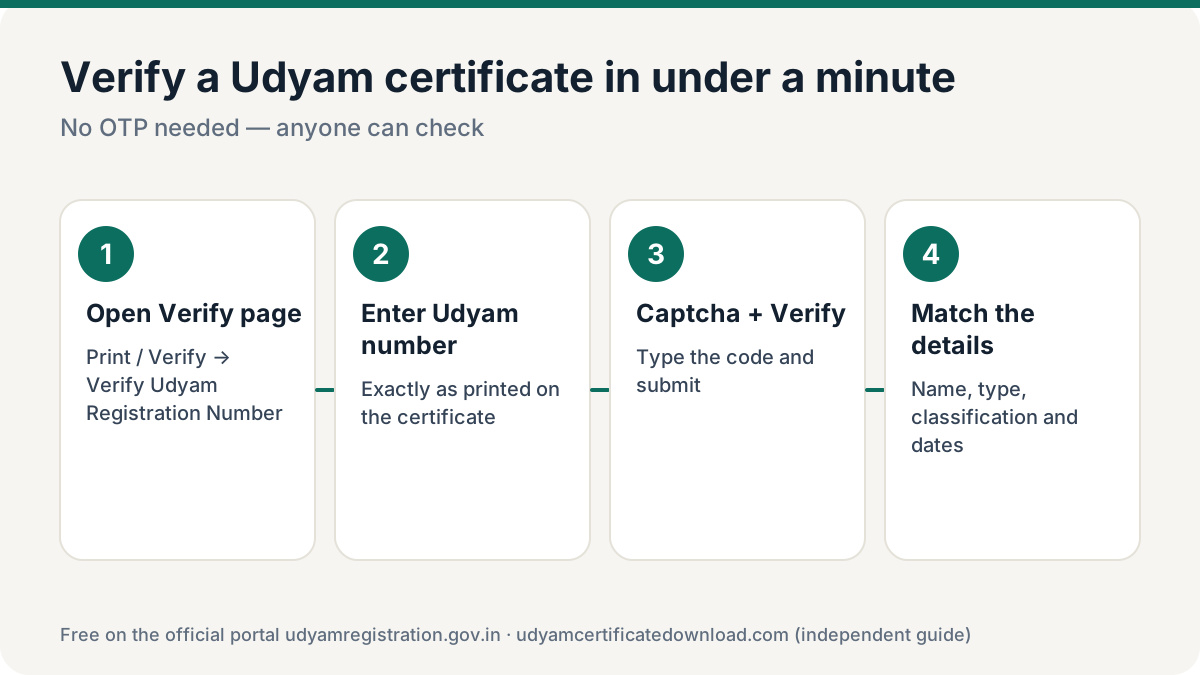
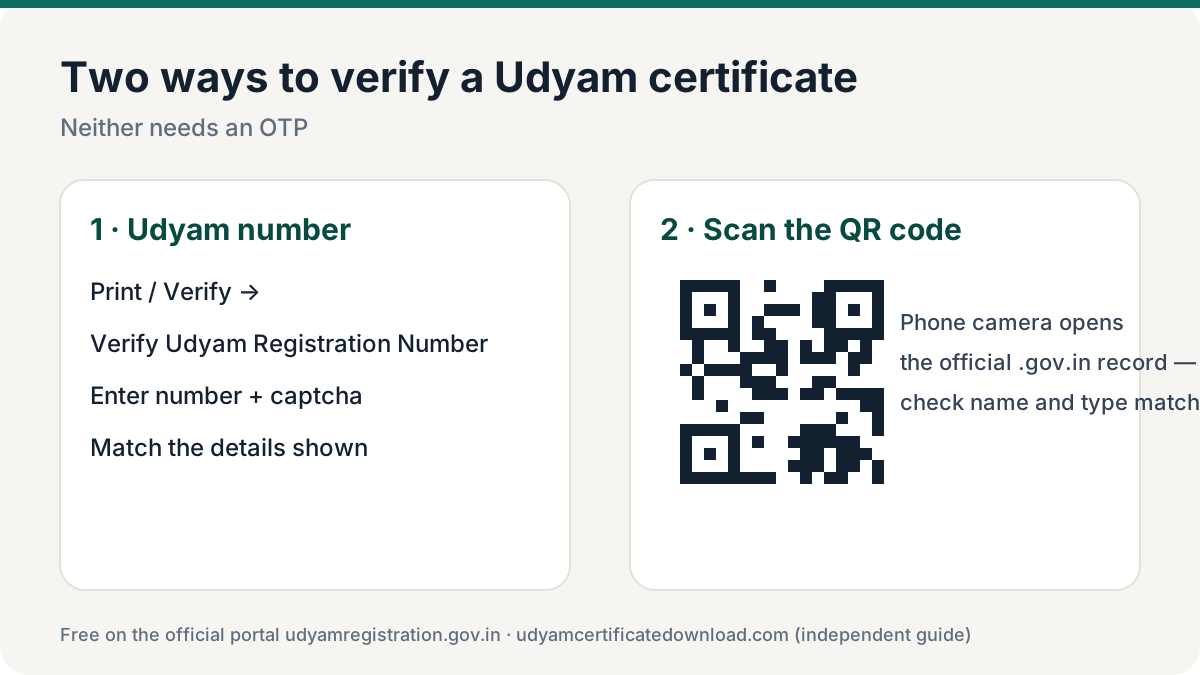
To verify Udyam certificate details, open udyamregistration.gov.in → Print / Verify → Verify Udyam Registration Number, enter the Udyam number and the captcha, and submit. The portal shows the enterprise’s registered details — no OTP needed. You can also scan the QR code on the certificate with your phone camera.
Method 1: Verify by Udyam number on the portal
Open the verify page
On udyamregistration.gov.in open Print / Verify → Verify Udyam Registration Number.
Enter the Udyam number
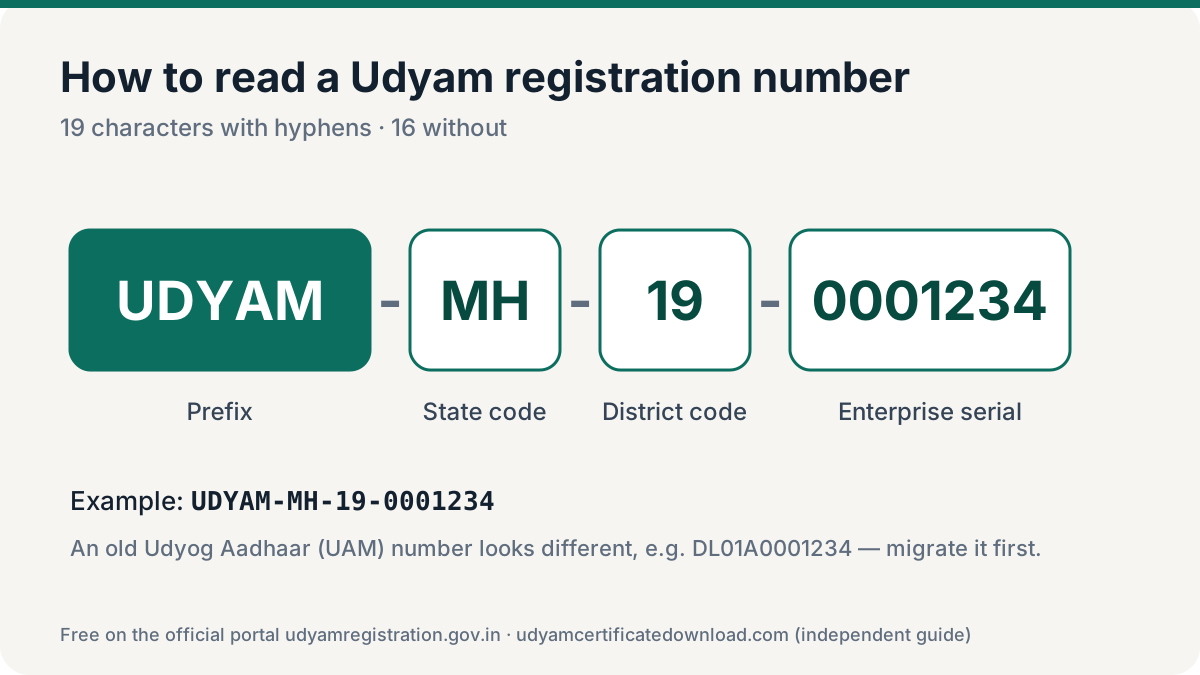
Type the full number from the certificate, e.g. UDYAM-DL-01-0001234.
Enter the captcha and verify
Type the verification code shown and click Verify.
Match the details
Compare the name of enterprise, type, classification and dates shown with the certificate in your hand.
Method 2: Scan the QR code
Every Udyam certificate carries a QR code. Point your phone camera or any QR scanner at it. A genuine code opens the enterprise details on the official Udyam portal. Check two things: the page address ends in .gov.in, and the details match the paper.
What the verification shows
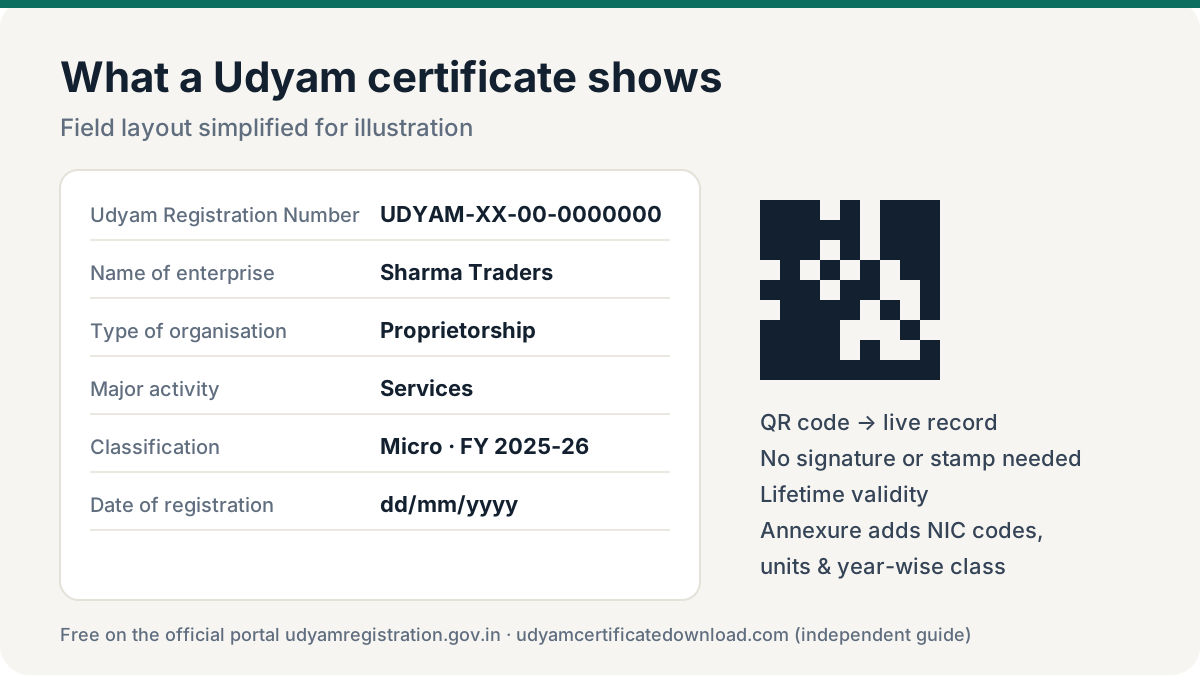
The result typically includes the enterprise name, organisation type, major activity, social category of the owner, enterprise classification, date of incorporation or commencement, date of Udyam registration and the state/district. The exact fields may vary as the portal is updated.
If the result does not match the paper in front of you, ask the business for a freshly downloaded copy. Most mismatches are honest: the owner updated the address or activity and is still sharing an older PDF. A genuine number that shows different details is a reason to ask questions, not proof of fraud.
Red flags: is this Udyam certificate fake?
- The number does not follow UDYAM-XX-00-0000000 (19 characters).
- The portal says the number is invalid or not found.
- The QR code opens a non-government website, or doesn’t scan.
- Name, type or classification on the paper differ from the portal.
- The certificate still says “Udyog Aadhaar” — that is an old UAM, not a current Udyam registration.
When should you verify Udyam certificate details?
A quick Udyam certificate verification takes less than a minute and protects you from fake or outdated papers. Verify every time you:
- Onboard a new MSME vendor and plan to claim MSME benefits or follow the 45-day payment rule for them.
- Process a loan file where the borrower’s MSME status changes the interest rate or guarantee cover.
- Evaluate a tender bid that claims MSME preference or an EMD exemption.
- Receive a paper copy that looks old, edited or blurred around the QR code.
- Check your own record after an update, to make sure the portal shows the new details.
Udyam verification is free and open to anyone. Unlike a download, it never asks for an OTP, so you can verify Udyam certificate numbers your suppliers share without involving them.
For banks, buyers and procurement teams
Ask for the Udyam number with the certificate, verify on the portal, and keep a screenshot of the result with the date in your file. For classification history and activities, ask the MSME for the certificate with annexure.
Frequently asked questions
How do I verify Udyam certificate online?
Go to udyamregistration.gov.in, choose Print / Verify → Verify Udyam Registration Number, enter the Udyam number and captcha and click Verify. Or scan the certificate’s QR code.
Do I need an OTP to verify a Udyam certificate?
No. Verification uses only the Udyam number and a captcha, so anyone — a bank or a buyer — can check it. OTP is needed only to download or update.
Can I verify a Udyam certificate by PAN?
The public verify page works with the Udyam number, not PAN. Ask the business for its Udyam number.
Can I download someone else’s certificate after verifying?
No. Verification shows details only. Downloading needs an OTP on the owner’s registered mobile or email.